Complete modules
You should try to complete at least one whole elearning module at a time. It’s much easier to learn that way.
When you have completed all four modules, you should complete the Assessment (added October 2026) to get a certificate.
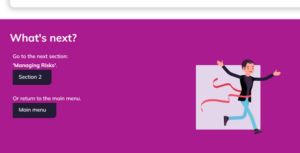
In Module 2 there are two sections within the module (‘Managing Data’ and ‘Managing Risks’). Once you finish the first section, you will be given the option to move on to the next section within that module, or you can go back to the Main Menu – which is how to exit the course.
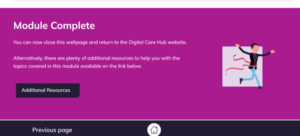
In all other Modules once you have completed the elearning, you should ‘close the webpage’, and return to the Digital Care Hub website.
You can come out of your session anytime by closing all of the web pages that you have open about the elearning course. If you do this, the computer will not remember where you are on the course. It wipes out all your interactions and answers.
Look at the top of your screen. You will see tabs with the names of the web pages that you have open. Click on the X in the tab with the name of the elearning page on it.
Complete the Assessment, download and share a certificate
Once you have completed all four Modules you can complete the Assessment which covers topics from all four modules.
In this assessment you will complete 20 questions. You are required to get 80% or more correct in order to download a certificate.
Your certificate can be printed or saved as a record of your learning.
You should share you certificate with:
- your line manager
- your training lead
- your colleague who is responsible for completing the Data Security and Protection Toolkit (DSPT). This elearning programme will help your organisation to meet the DSPT’s training requirements.