October 8th 2026
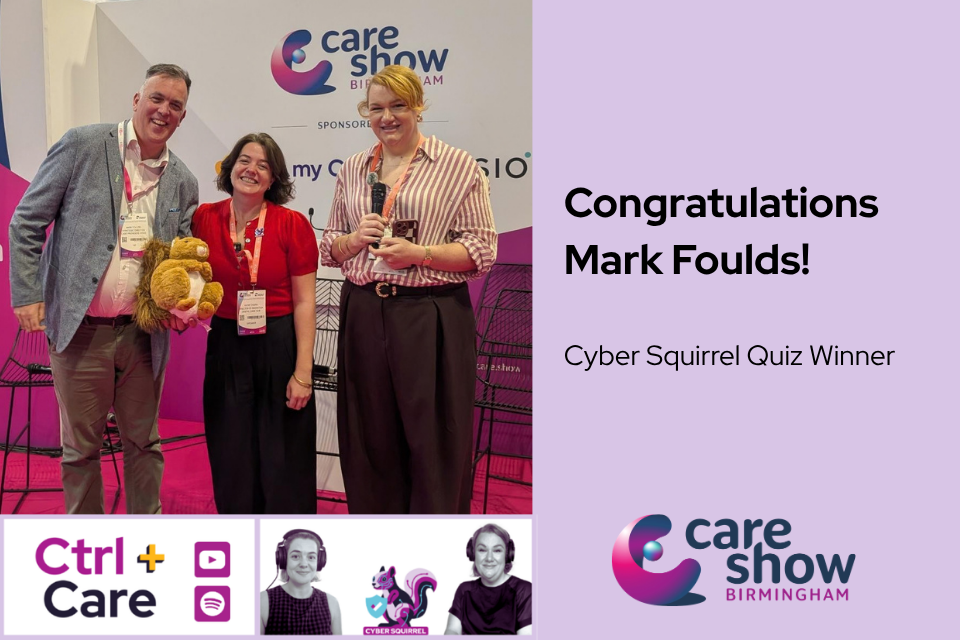
Congratulations to Mark Foulds of Care Providers’ Voice – winner of our Cyber Squirrel Quiz at the Care Show Birmingham 2026.
10 people got all questions correct, so it came down to the tie breaker question:
Hazel the Cyber Squirrel is Digital Care Hub’s mascot. What super powers should she have, and why?
Mark’s winning response was:
Knowledge Nuts: Hazel collects and shares “cyber nuts” containing bite-sized cyber security tips with care staff.
Michelle Corrigan and Katie Thorn loved his response – and presented Mark with his very own cuddly Hazel during a live Ctrl+Care Podcast at the Care Show. Watch out for this special edition coming soon.
We thought you’d like to see the questions and answers to the quiz:
1. Which of these should you think about before putting care information into an AI tool?
- Whether the AI has a friendly name
- What data you are sharing, where it goes, and how it will be used (CORRECT)
- How quickly it gives an answer
- Whether everyone else is using it
2. True or false: If an AI company has ISO 27001 or Cyber Essentials Plus, everything the AI produces can automatically be trusted.
- True
- False (CORRECT)
3. An AI tool writes an excellent care-plan summary. What should happen next?
- Use it immediately because it sounds professional
- Assume the supplier has checked it
- A person should review it before it is relied upon (CORRECT)
- Ask the AI whether its answer is correct
4. Which of these is usually the biggest problem with reusing the same password across different websites?
- It makes the password easier to remember
- If one site is breached, hackers may try the same login details elsewhere (CORRECT)
- It slows down your computer
- It makes MFA stop working
5. Which password would generally be hardest to crack?
- Password1!
- Summer2026!
- qwerty123
- A long, unique passphrase (CORRECT)
6. You receive an MFA approval request on your phone, but you are not trying to log in. What should you do?
- Approve it in case it is a system check
- Ignore it and approve the next one
- Decline it and report it (CORRECT)
- Turn MFA off
7. You receive an unexpected email asking you to make an urgent payment. What is the safest next step?
- Reply to the email and ask if it is genuine
- Click the link to check the details
- Check the request is genuine using a separate trusted channel (CORRECT)
- Forward it to a colleague for a second opinion
8. You realise you have clicked a phishing link. What should you do next?
- Keep quiet and hope nothing happens
- Delete the email
- Report it as soon as possible (CORRECT)
- Restart your computer
#DigitalCareinFocus #CyberAwareness
View all News